Look beyond the homepage
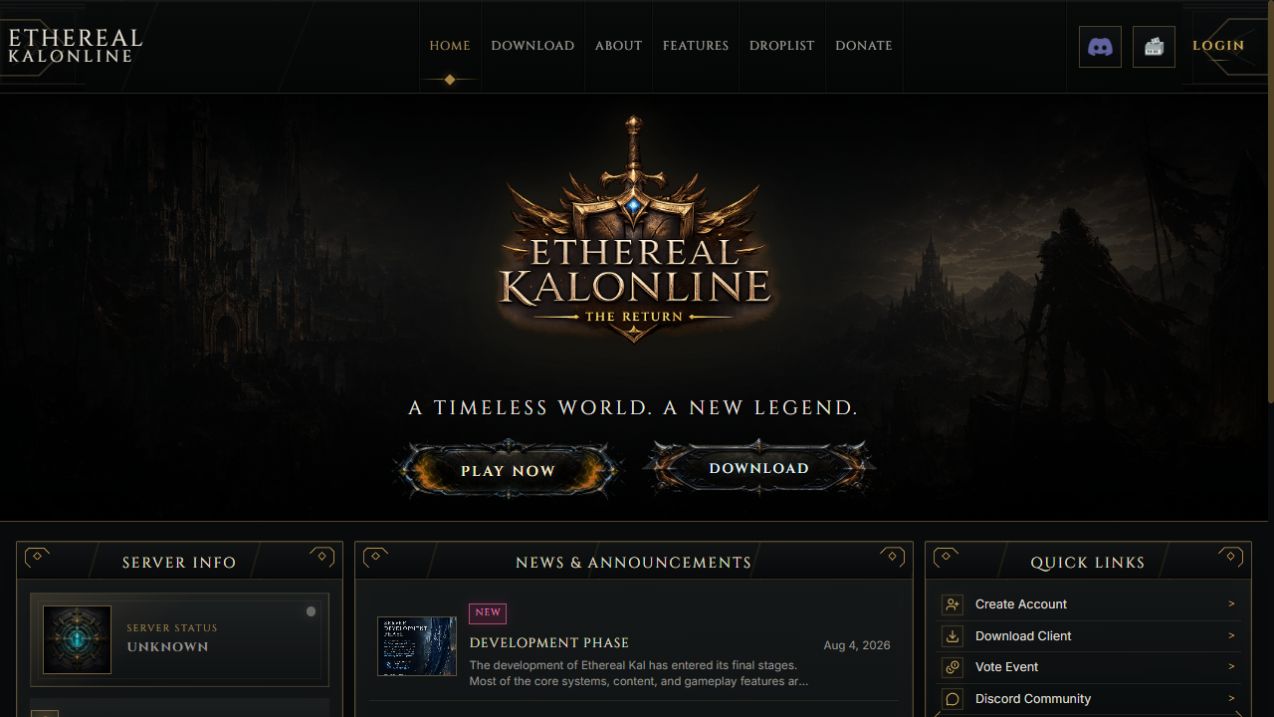
A visual theme is only one part of a community website. Consider news, downloads, server information and the places players will visit after registration. Review player tools Character information, inventory views and account services can make a panel useful between game sessions. Ask which modules are included and which depend on your server database. Review staff tools separately Content publishing, character lookup, inventory operations and operational logs serve different users and need clear permissions. Ask for the exact tools rather than assuming every package includes the same backend. Check the integration Confirm the application runtime, database driver, server schema and hosting environment. Extra integrations and design changes should be described in the quote or order notes. Use a concrete example The KalOnline Website package includes a custom player panel and administration workspace. Its product page explains the reviewed modules and the requirements that staff confirm before installation.